Hôtel Les Flocons
Your ski pass for Les Deux Alpes with Hôtel Les Flocons & Alto.Ski
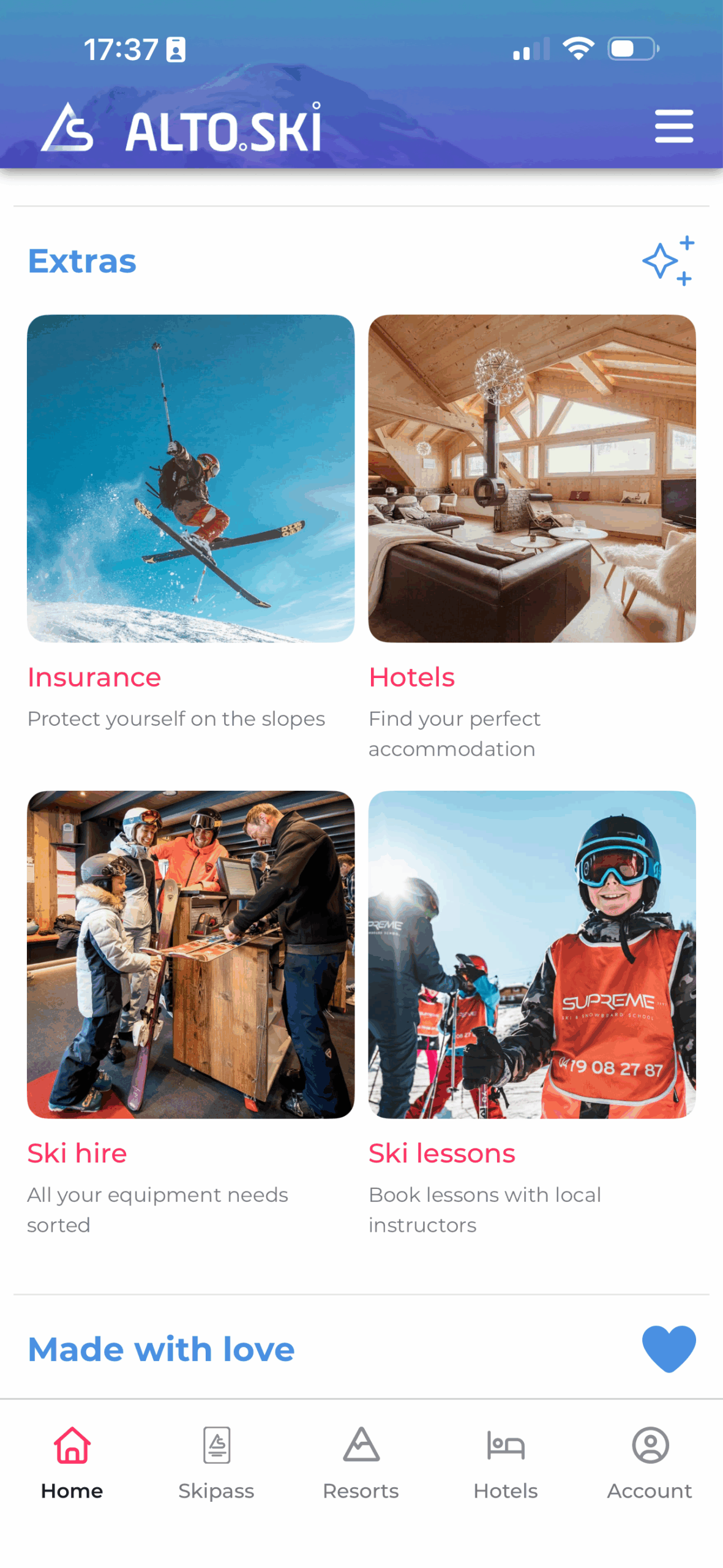
During your stay at Hôtel Les Flocons, you can buy and manage your Les Deux Alpes ski pass directly on your phone with Alto.Ski — no ticket office queues, and all from the comfort of your hotel.
- 100% free app
- Download the Alto.Ski app from the App Store or Google Play. The app is free to use, with no subscription and no fixed fees.
- Register and activate your ski card
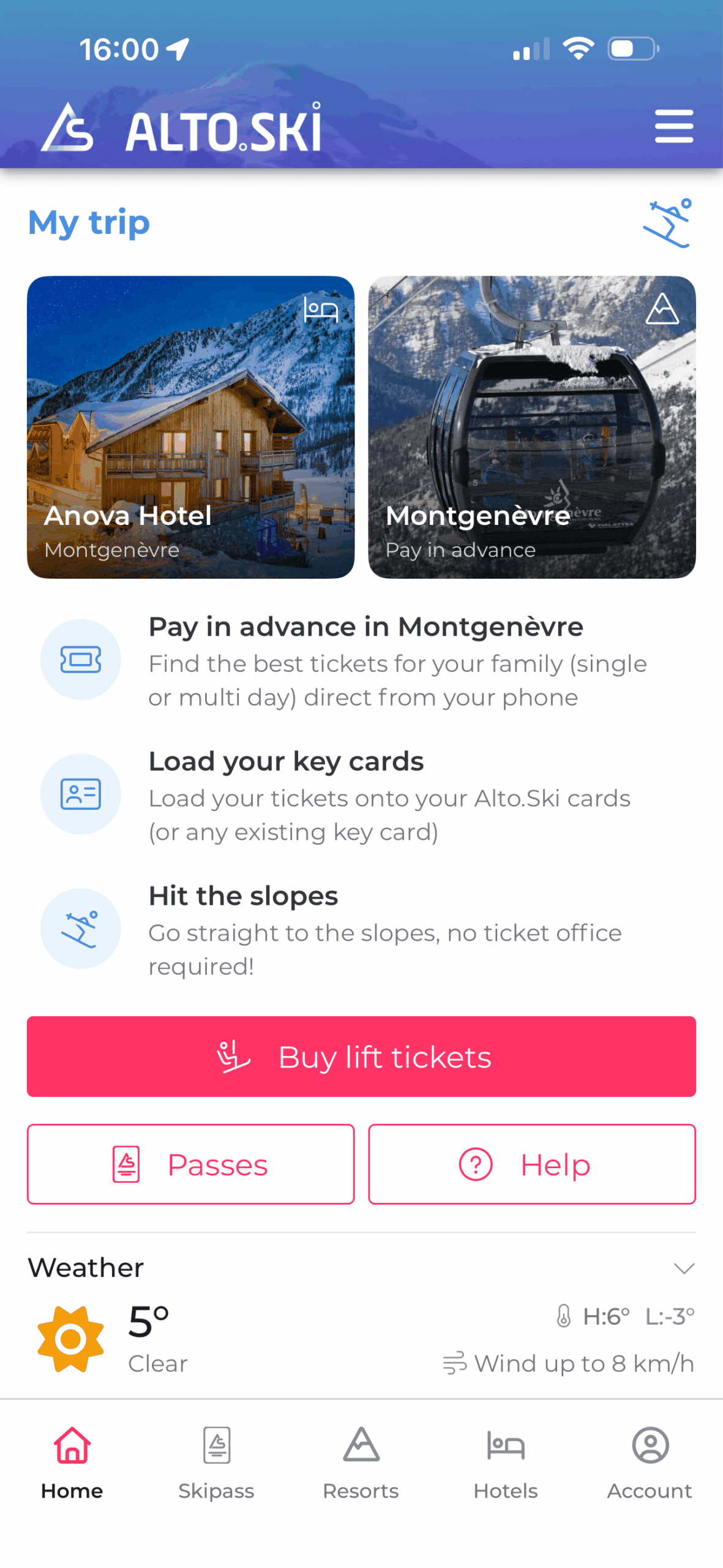
- Choose your hotel during registration so it appears on your home screen. Add a payment method. Activate your ski card (existing or collected at the hotel), select your ticket and skier(s), then check out — your pass loads automatically onto the card and you can go straight to the slopes.
- Same price as at the ticket office
- No queues — choose and buy your lift pass in the app before you ski. Skip the ticket office and head straight to the slopes, with day and multi-day tickets available.


Download now

Before you arrive
Download the Alto.Ski app
- Search for Alto.Ski in the App Store or Google Play
- Available for iPhone and Android
- Create your account and add your credit card
- During the quick registration, select your hotel from the list and it will appear on your home page alongside the ski resort, giving you easy access to all the relevant information. If you plan to use your Alto.Ski card for skiing, please register with your payment card, which will be used to pay for the lift passes you can purchase through the app, as well as other services such as ski hire and ski school.
- Questions?
- You can contact support at any time from the app: Menu → Account → Help (Help Desk)
Download now
Arriving at the hotel
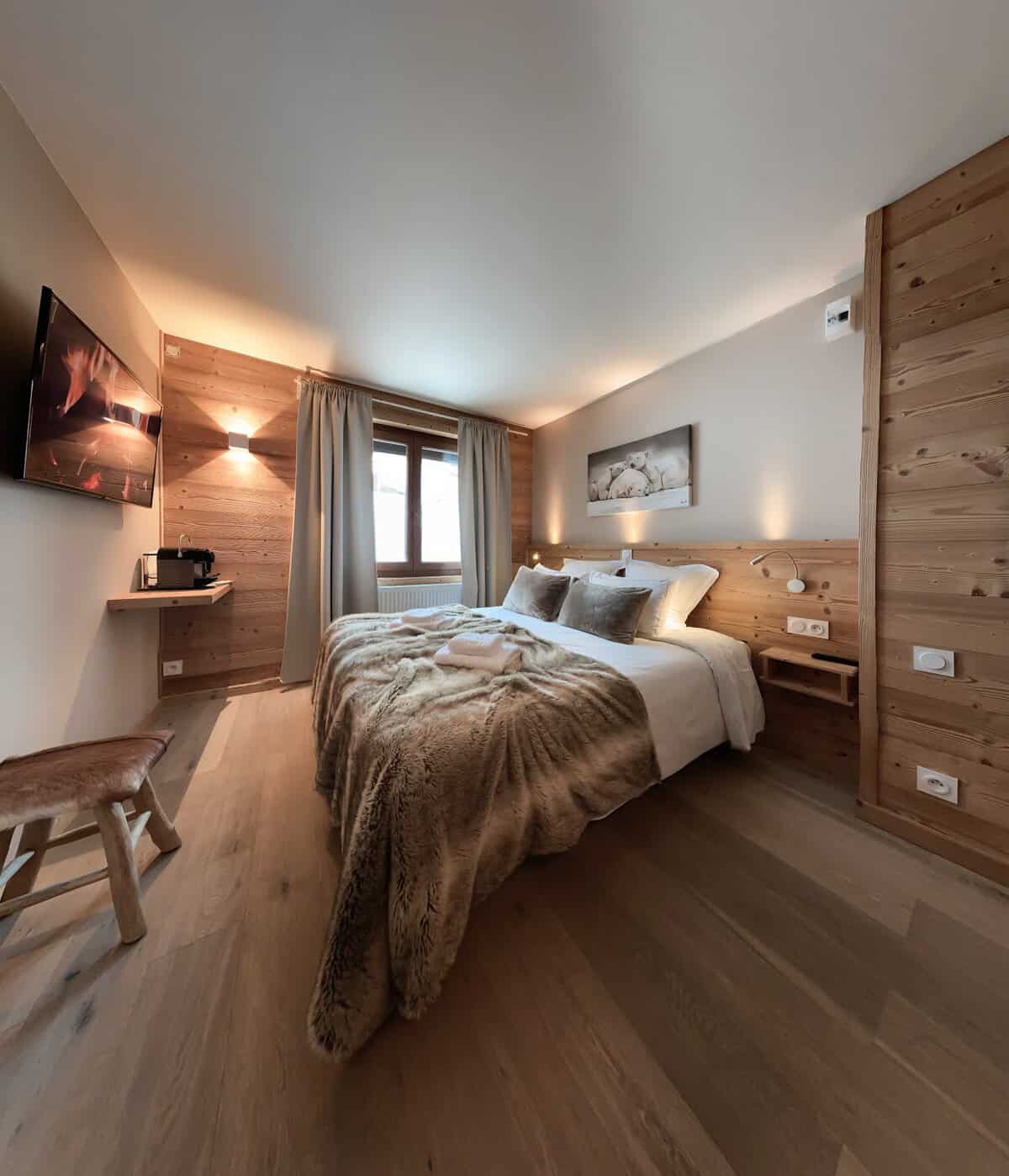
When you arrive at Hôtel Les Flocons
- Ask for your Alto.Ski cards at reception
- You may already have a ski card from last season or earlier this year — you can reuse it by selecting “Scan NFC”. If your phone doesn’t support NFC, you can activate the card using the QR code (if it’s an Alto.Ski card) or by entering the card number manually. You only need to activate a ski card once, then you can reuse it as often as you like.
- Activate them in the app
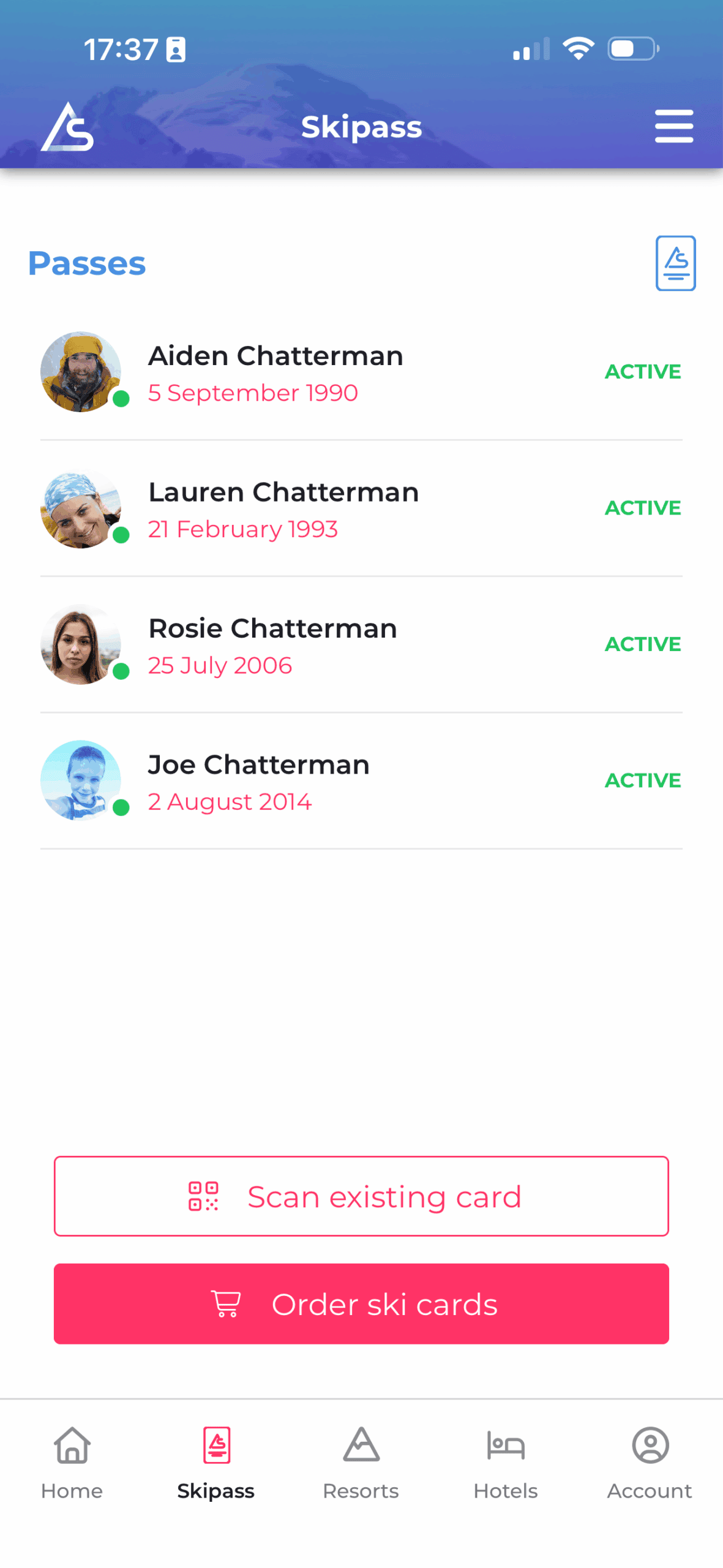
- (It only takes a few seconds.) Add your name and date of birth so we can apply the correct lift-pass category. You can add a photo now or later. Pull the page down to refresh and check the status shows Active. Repeat for each family member — you only need to do this once. Once everyone is active, you can purchase lift passes in the app (day or multi-day).
- Choose your ski pass in the app,
- select the family members you’re buying for, and check out. The lift passes load automatically onto the ski cards, so you can head straight to the lifts.
- Already have a keycard / ski card from previous seasons?
- In most cases, you can reuse it with Alto.Ski — just register it and activate it in the app.
Services
Other useful services in the app
Depending on availability, you can also find:
- Ski hire
- In Montgenèvre, we work with SkiSet and INTERSPORT Pavesi Sport, both of which are available via a direct link in the app. We recommend booking your ski equipment at least one day in advance. Special discounts may apply depending on the season, although guests are of course also free to use other services recommended by their hotel.
- Ski school / lessons
- In Montgenèvre, we work with ESF and Maison Sport for ski lessons. Let us know if you need any help booking a lesson
- Transfer
- In Montgenèvre, we work with Lifts To for transfer services to and from the resort. If you need any help arranging your transfer, just let us know. https://transfers.ski-lifts.com/wp/altoski
- Ski Insurance
- For extra peace of mind during your stay, you can arrange your ski insurance directly here: https://assuranceski.com/alto-ski Use promo code ALTO26 when booking, if applicable. We recommend checking the cover details carefully before purchase, so you can choose the option best suited to your trip.