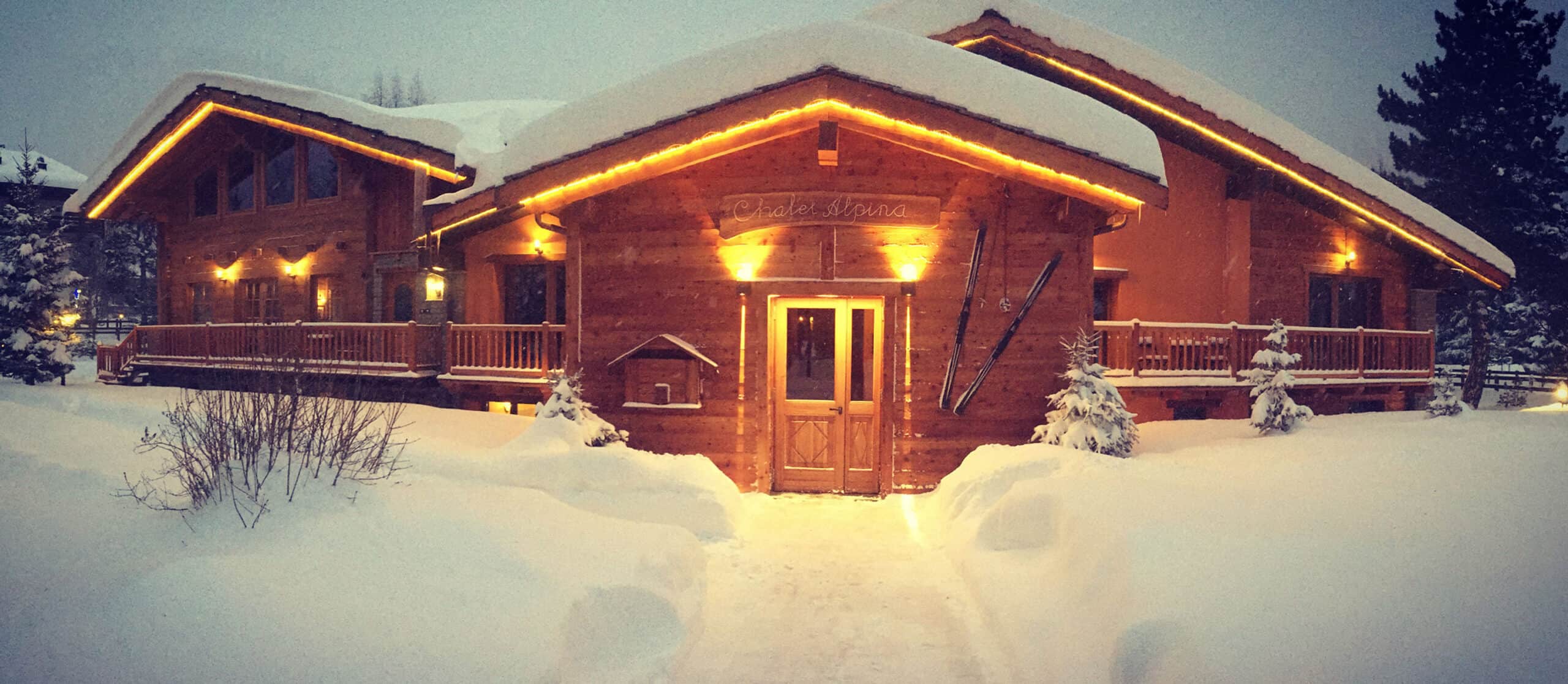
Chalet Alpina
Your ‘pay as you ski’ pass for La Thuile - La Rosière with Chalet Alpina & Alto.Ski
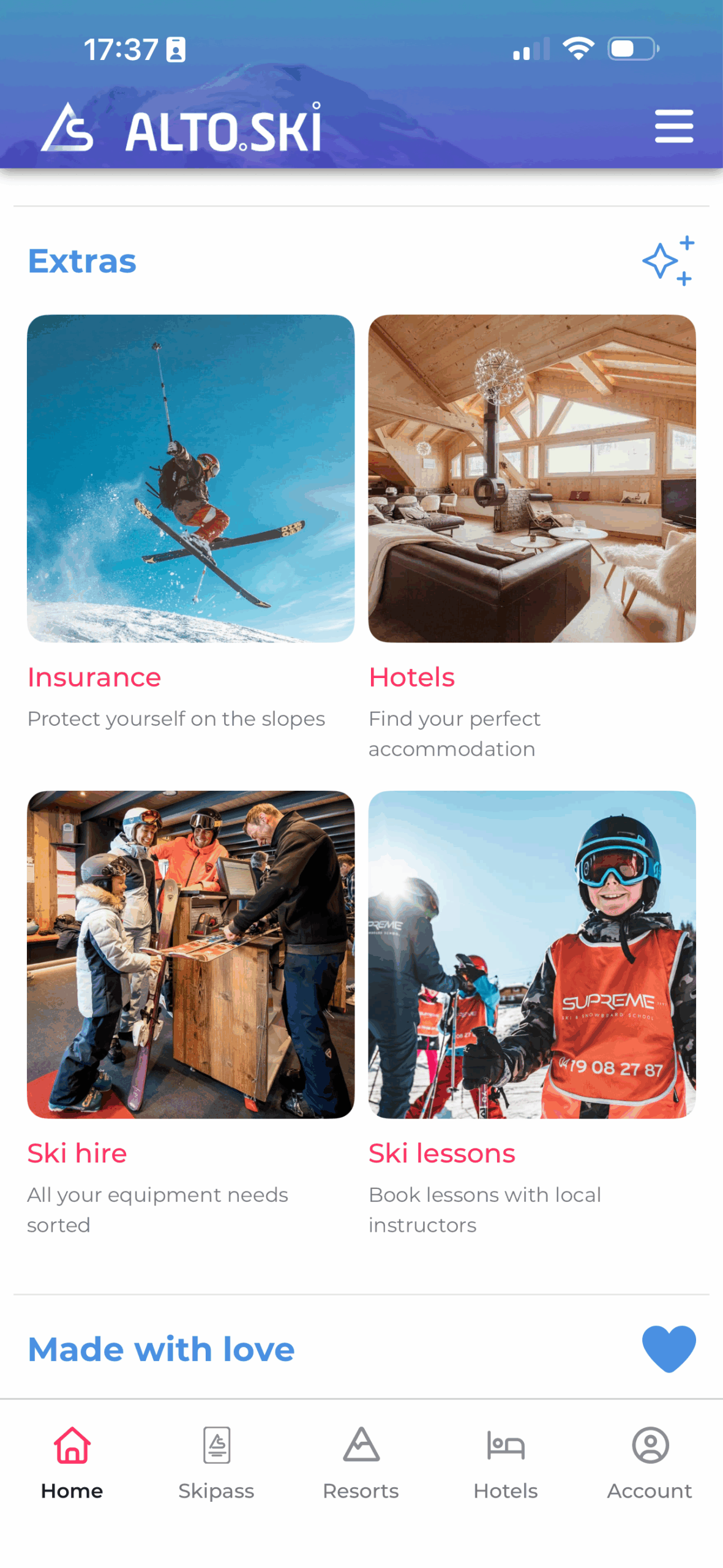
During your stay at Chalet Alpina, you can enjoy the benefits of ‘pay as you go’ skiing in La Thuile - La Rosière. All managed directly on your phone with Alto.Ski — no ticket office queues, and all from the comfort of your hotel.
- 100% free app
- Download the Alto.Ski app from the App Store or Google Play. The app is free to use, with no subscription and no fixed fees.
- Register and activate your ski card
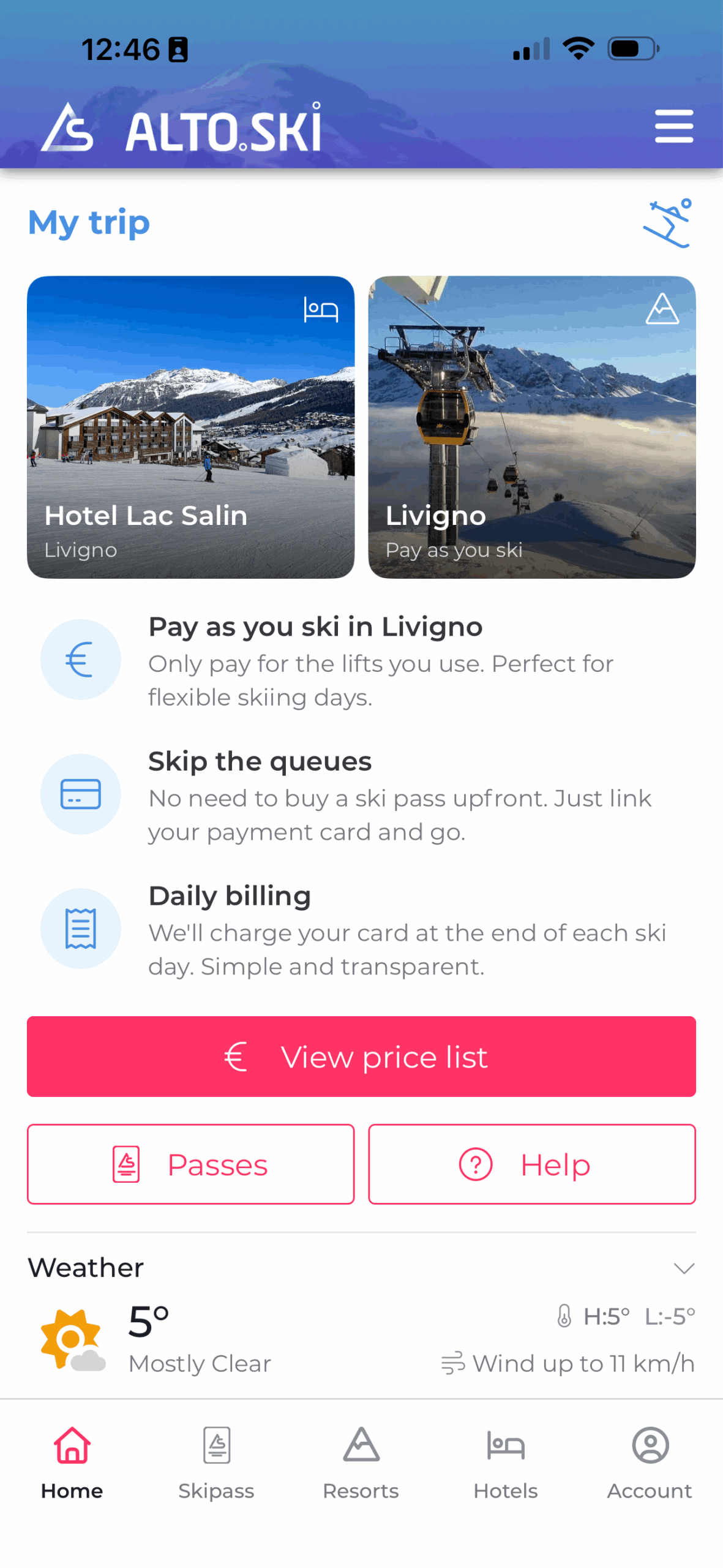
- Choose your hotel during registration so it appears on your home screen. Add a payment method and activate your ski card – either an existing one or one collected at the hotel — then head straight to the slopes.
- Same price as at the ticket office / lower online rate
- Your skiing is tracked automatically and charged at the end of the day at the best available rate for your category, based on your lift usage. Depending on the resort, this may include hourly, half-day, full-day or consecutive-day tickets.


Download now

Before you arrive
Download the Alto.Ski app
- Search for Alto.Ski in your app store.
- Available for iPhone and Android.
- Create your account and add your credit card
- During the quick registration, select your hotel from the list and it will appear on your home screen alongside the ski resort, giving you easy access to all the relevant information. If you plan to ski with Alto.Ski, add your payment card, It will be used for lift passes and other services which will be available through the app (ski hire, ski school etc).
- Questions?
- You can contact support at any time from the app: Menu → Account → Help (Help Desk)
Download now
Arriving at the hotel
When you arrive at Chalet Alpina
- Ask for your Alto.Ski cards at reception
- You may already have a ski card from last season or earlier this year, which you can reuse. Simply activate it in the app using Scan NFC, the QR code (for Alto.Ski cards), or by entering the card number manually. Each ski card only needs to be activated once and can then be reused as often as you like.
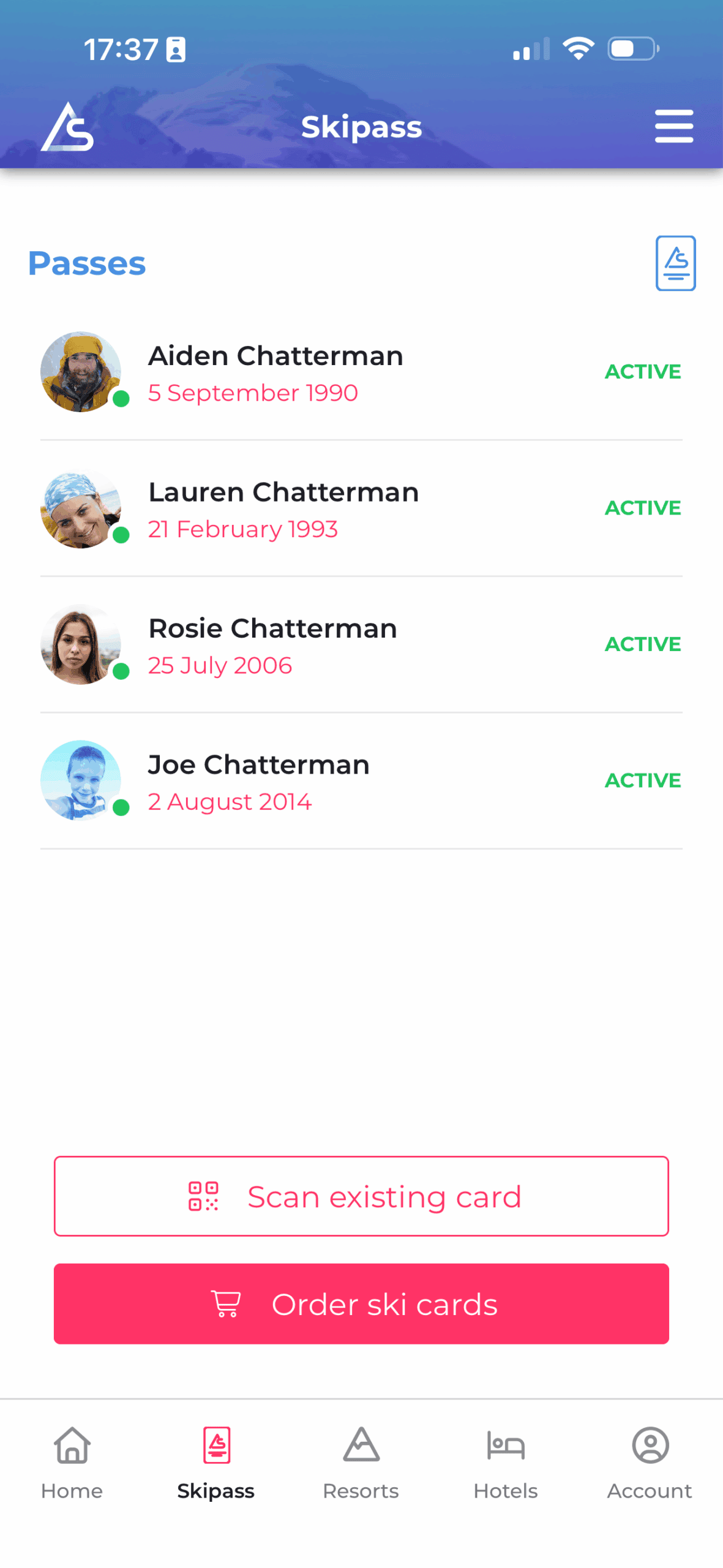
- Activate them in the app
- It only takes a few seconds. Add the skier’s name and date of birth so we can apply the correct lift-pass category. You can add a photo now or later. Pull down to refresh and check that the status shows Active. Repeat for each family member. Once everyone is active, you can go straight to the slopes.
- Pay as you ski / Track live spending
- Once the keycards are activated for you and the family members, you can go straight to the slopes. Skiing is tracked automatically and you’ll be charged at the end of the day at the best available rate. You can check your live spending at any time in the app, and the price list is available on the resort page.
- Already have a keycard / ski card from previous seasons?
- In most cases, you can reuse it with Alto.Ski – simply register and activate it in the app.
Services
Other useful services in the app
Depending on availability, you can also find:
- Ski hire
- Book ski hire with SkiSet through the direct link in the app. We recommend booking at least one day in advance to secure the best options and prices.
- Ski lessons
- Connect with ski instructors and book lessons straight through the app
- Transfer
- Transfers can be arranged through the direct link in the app with Ski-Lifts, with 5% off when booked via Alto.Ski. Shared, private and group transfer options are available. Book here: transfers.ski-lifts.com/wp/altoski
- Ski insurance
- Third-party liability insurance is required for skiing in Italy. You can arrange cover online with ITASnow before skiing. More information: www.itasnow.it/C078